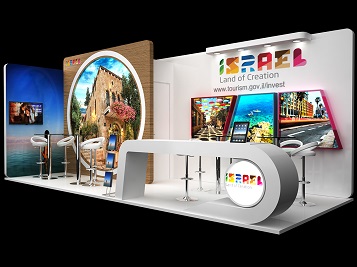
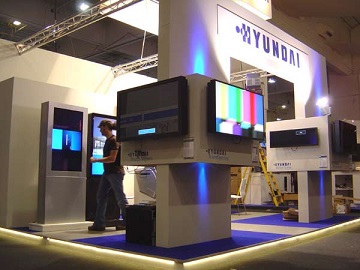
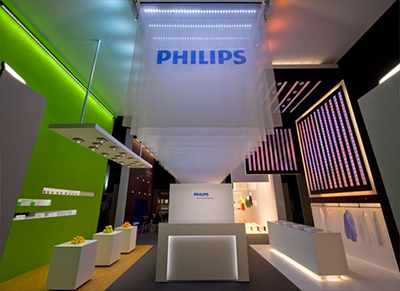
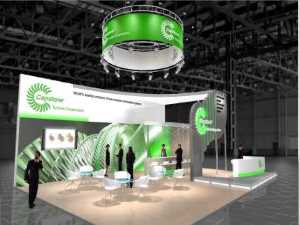
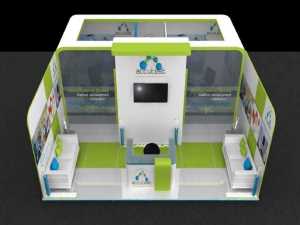
Quazen exhibition booth design and stand construction with an efficient stand contractors, building program is an exhibition stand build company providing all around exhibition services in Europe.
We offer a full range of stand manufacturing, build up & services and have been developing projects in all European shows, providing build up of unique concepts, using custom materials, for high-end creations. Budget stands, with pre-build and system materials. Exhibition booths for any industry. Manufacturing of special constructions including outdoor and double deck stands.
Faced with innovation and technology changes that are challenging the event industry, to deliver higher quality, smarter solutions, faster and more cost-effectively.
The capabilities include complex constructions, high-end individual concepts, build up assistance and turn-key project creation.
Quazen has been delivering modern, high-performance exhibition stand construction services for over 20 years. Our multi-disciplined network of professional engineers can design, contract and supervise stand projects Europe wide, in Germany, France, Netherlands, Italy, Uk